Airbnb co-hosting allows you to manage listings in Guesty on behalf of a listing owner (the host). Instead of asking for the host's login credentials, you can request authorization to add their listing directly to Guesty. This article explains how to request these permissions and connect co-hosted listings to your Guesty account.
Request permissions to connect co-host listings
Follow the steps below to send an invitation to the host to integrate co-hosted listings.
Important:
You must have an Airbnb account connected to Guesty before requesting credentials for a co-hosted account.
Step by step:
- Sign in to your Guesty account.
- In the side navigation menu, click
 Channels to open the dropdown menu.
 - Select Airbnb.
- Click Airbnb co-host.
- Follow the prompts in the pop-up and click to
 copy the URL.
 - Paste and share this URL with the host.
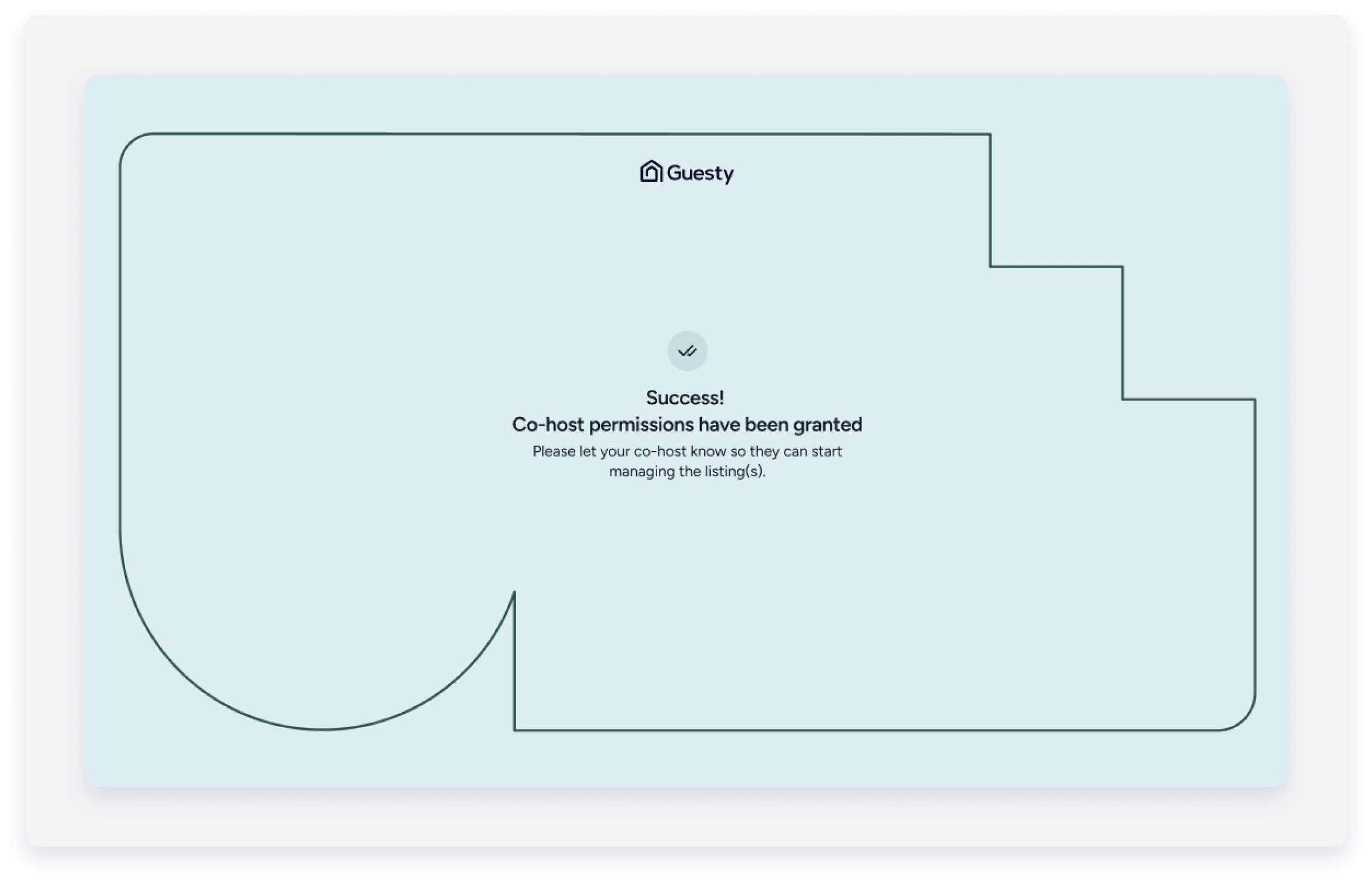
When the host opens this URL in their browser, they'll be redirected to Airbnb where a list of permissions is displayed, including the option to give Guesty secure access to their Airbnb account. Upon approval, the host will receive confirmation that co-host permissions were granted.
Important:
The host account must remain connected to Guesty. If the host chooses to disconnect their account, the listings won't sync with Airbnb, and connection will need to reestablished.
Choose who sends messages to guests
Once the host and co-host accounts are connected, follow the instructions below to select whether you or the host is the sender when you create a message or an automated reply.
Limitations
- You can't set a default sender. However, when you select a sender for a reply, that selection remains for the rest of the thread.
- Automated messages for co-hosted listings aren't currently supported and will be sent from the host.
Step by step:
- Sign in to your Guesty account.
- In the side navigation menu, click
 Inbox.
 - Select the relevant thread.
- At the bottom of the page, click Type your message here and enter your message.
- Choose the communication method: via Airbnb.
- Select the sender from the dropdown menu: you (Co-host), or the listing owner (Host).
If this option isn't available, it indicates that the co-host is the default sender, or the host's Airbnb account isn't connected to Guesty.
The conversation thread displays the sender's name under each sent message, next to the date and time the message was sent.
