Auto reviews allow you to automatically post reviews for guests after check-out to save time, ensure consistency, and maintain strong guest communications. This feature is specifically for reviewing guests and doesn’t support reviews for properties or listings.
Guesty sends reviews at midnight the day after check-out. For example, if a guest checks out on January 01, the review is sent at midnight on January 02. You can delay reviews by a custom number of days. Reviews only become available on the channel after the guest has fully checked out.
Once configured, auto reviews apply to confirmed reservations before check-in, and all future reservations.
Tip:
To write a custom, real-time review, do so directly through the booking channel where the reservation was made.
Before you begin
Ensure the following before you begin:
- The listing in Guesty matches the Airbnb listing.
- The listing is connected to its respective channel.
- Auto reviews are activated for the connected listings.
Activate auto reviews for Airbnb
You can have unlimited Airbnb templates. Guesty sends a different template at random for each review. Setting a specific template rules or sending conditions isn't supported. Star ratings apply to all templates and can't be set individually.
Limitations
Airbnb template compliance
Follow Airbnb's reviews policy to create unique guest reviews. Using the same template for many reviews can affect your Airbnb ranking.
- Templates must comply with Airbnb’s Content Policy.
- Don't include the following:
- Advertising or commercial content.
- Spam or repetitive content.
- Illegal, harmful, sexually explicit, violent, graphic, threatening, or harassing content.
- Discriminatory content.
- Don't impersonate another person, account, or entity.
- Don't violate others’ rights, including intellectual property and privacy.
- Don't post private or confidential information (such as details identifying a listing’s location).
- Don't include the following:
Step by step:
You can activate or deactivate auto reviews for all listings, but you can't change the activation settings for individual templates.
Follow the instructions below to activate auto reviews for Airbnb.
Sign in to your Guesty account.
In the side navigation menu, click
 Properties overview.
Click the relevant listing.
In the submenu, click Automations.
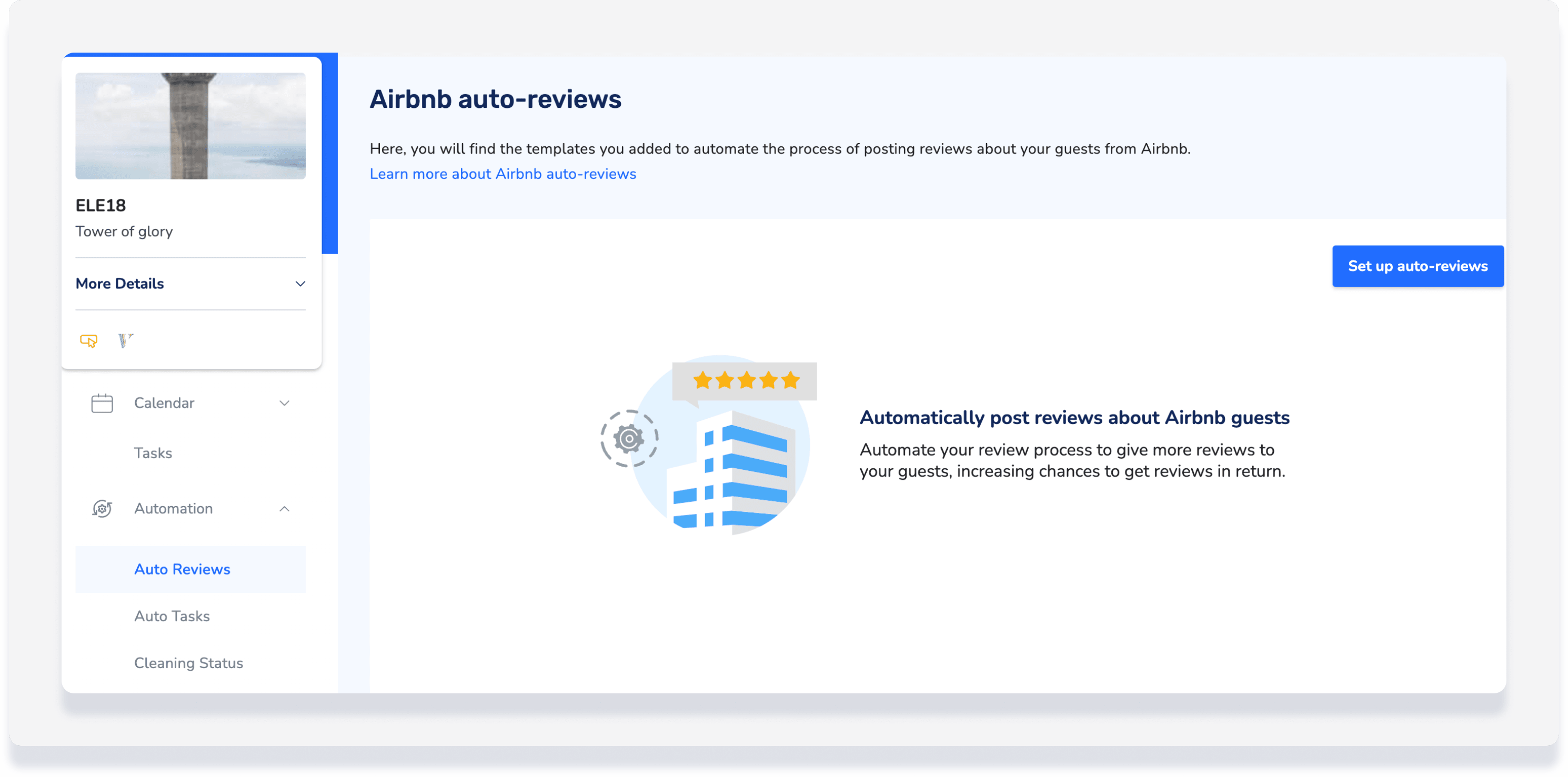
Select Auto reviews.
Click Set up auto reviews.
Toggle on Active.
Select the default star rating.
(Optional) Adjust the number of days to delay the sending.
- For Airbnb: Set up your template:
- If no templates are set, click Add your first template to use a template provided by Guesty, or create your own custom templates.
- If a template already exists, click Add another template.
-
Optional: Use variables to personalize reviews:
-
{{guest}}- Full guest name -
{{guest_first}}- First name only -
{{listing_address_city}}- City of the property
-
- Enter your text and click Save.
Deactivate auto reviews
To deactivate auto reviews for a listing, toggle off Active in the Airbnb section.
Tip:
Learn how to stop an auto review from being sent for a specific reservation.
