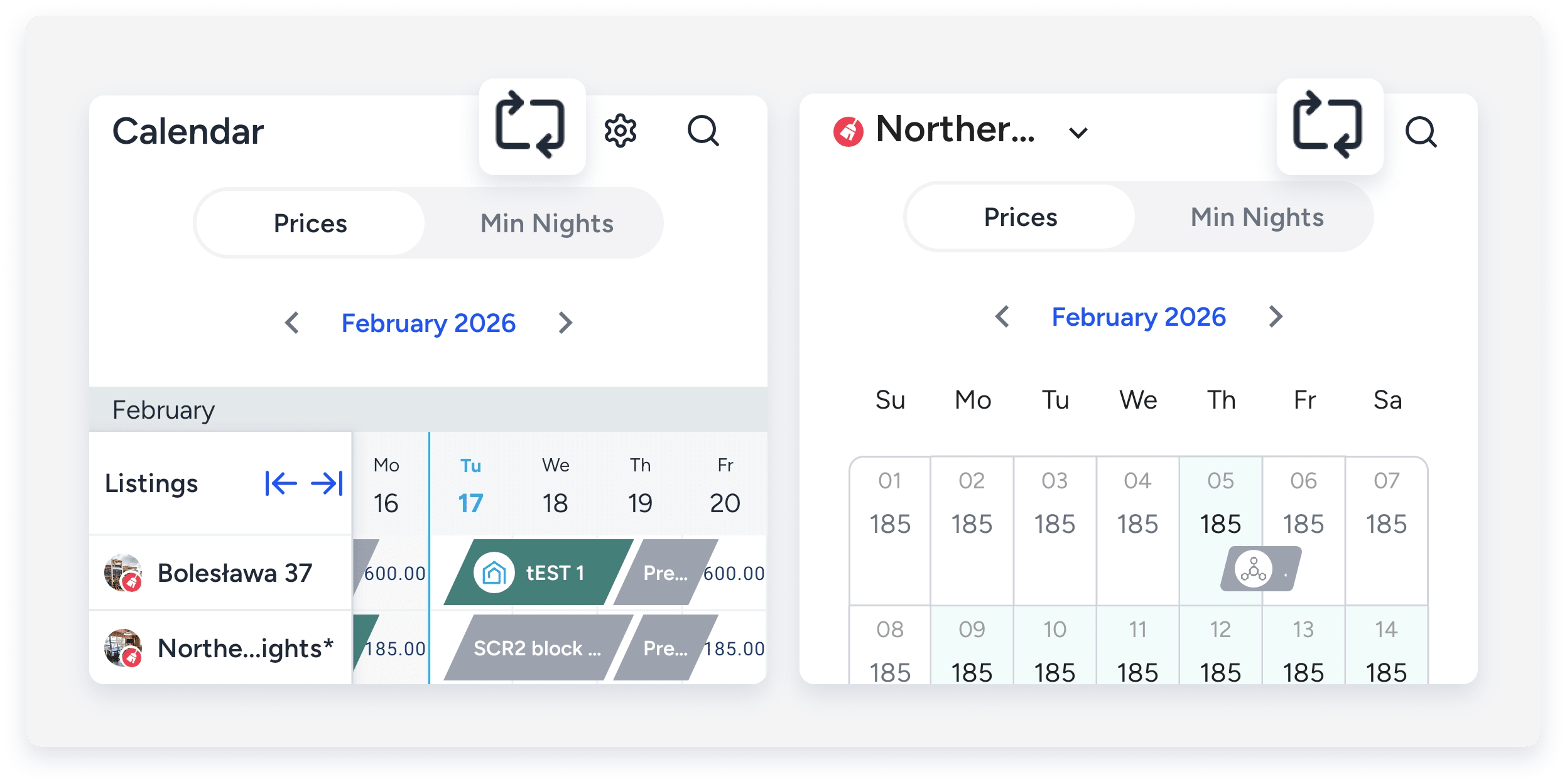
The monthly calendar opens by default when you tap  on the bottom menu. Switch to the Multi-Calendar to view availability for all listings.
ֿStep by step:
- Sign in to the Guesty mobile app.
- At the bottom, tap to open a listing's monthly calendar.
- To switch listings, tap the listing name in the top-left corner and select from the dropdown menu.
- Tap the arrows to navigate between months.
- In the top-right corner, tap
 to switch to the Multi-calendar.
 - Tap again to switch back.