To verify that your Vrbo listing is actively connected to your listing in Guesty, follow the steps below.
Before you begin, check which connection type you have.
Step by step:
- Sign in to your Guesty account.
- In the side navigation menu, click
 Channels to open the dropdown menu.
 - Select Vrbo.
- To the right of the relevant listing, check the "Status" column for "Connected".
If the status is not connected, under "Actions" click Connect (if it's disconnected) or Retry (if it's Failed).
Step by step:
- Sign in to your Guesty account.
- In the side navigation menu, click Channels to open the dropdown menu.
- Select Vrbo.
- Click the relevant Vrbo account.
- To the right of the relevant listing, check the "Status" column for "Connected".
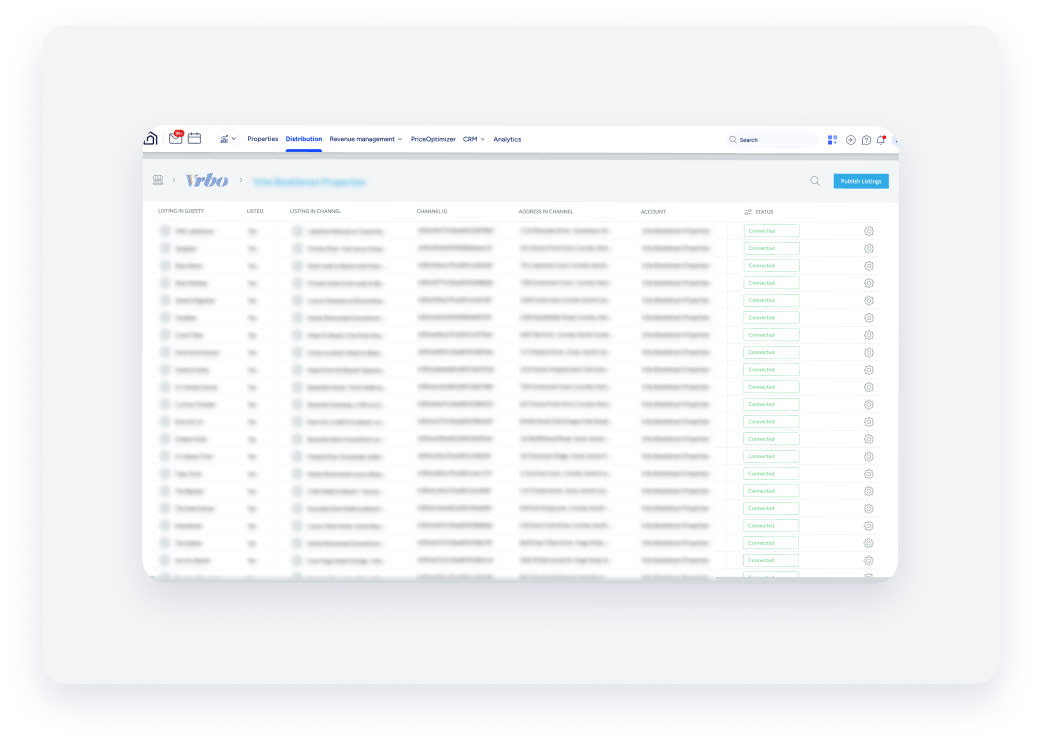
If the status is not "Connected", see our troubleshooting guide for more information.
Reconnect a disconnected Vrbo listing
If a listing is deactivated in Vrbo and has an "inactive" or "paused" status, make it active in Vrbo before attempting to connect it again in Guesty. If you want to publish it again, you have two options:
- Reconnect to the same account: Contact Vrbo Support directly to reconnect the listing to the same account.
- Reconnect to a different account: Reconnect the listing to a different account or to a newly created account. This can be done through the usual process of publishing in Guesty.
