Manage your listings on the go with the Guesty mobile app. You can update availability, rates, and booking details in real-time to keep your operations running smoothly.
Edit the cleaning status
Follow the steps below to change a listing's status directly in the app.
Step by step:
- Sign in to the Guesty mobile app.
- Access the relevant listing:
- At the bottom, tap
 . Tap the listing name at the top-left corner. In the dropdown menu, tap
  to open the listing page.
 - At the bottom, tap More. Tap Listings, and then tap the relevant listing tile.
- At the bottom, tap
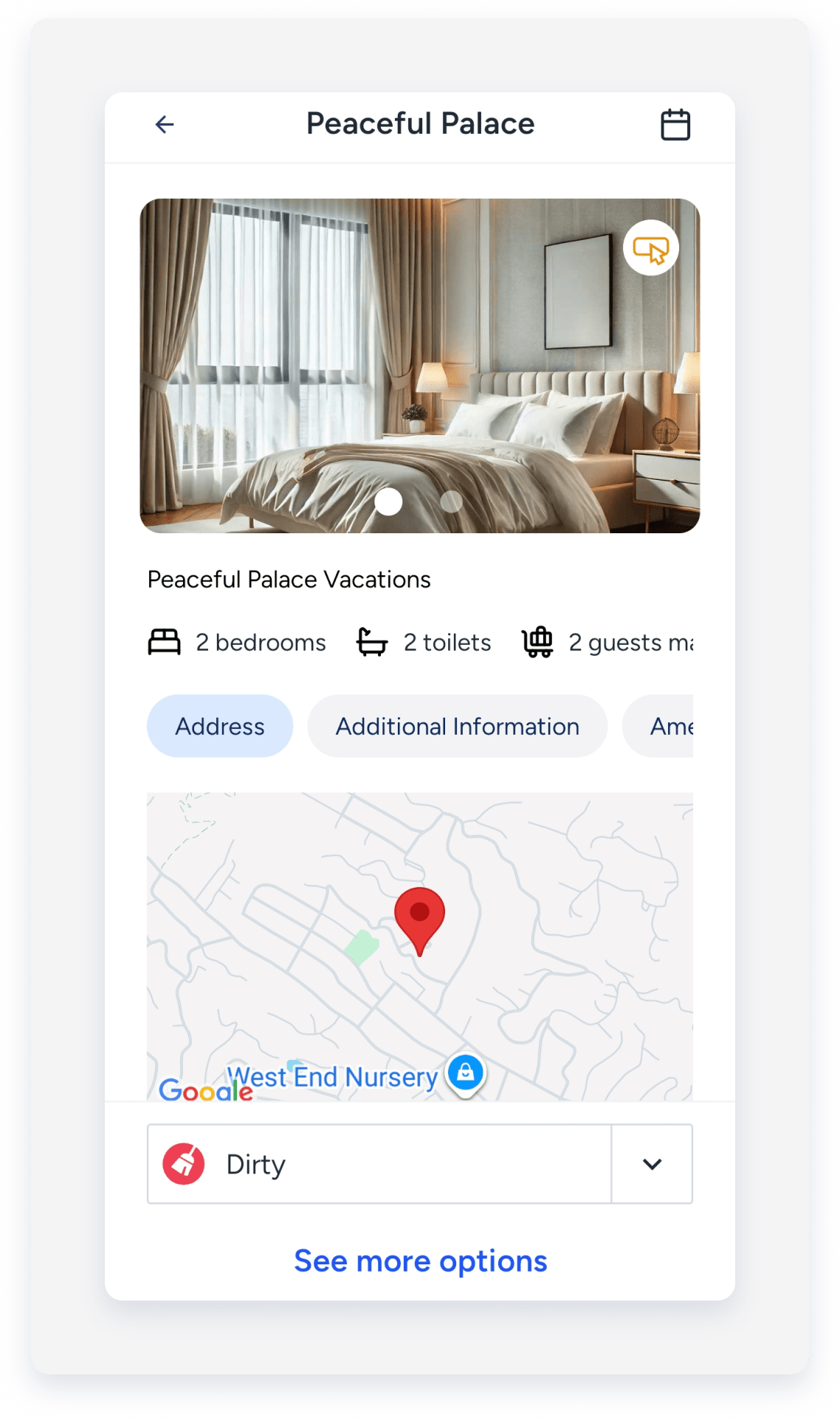
- At the bottom, tap the cleaning status.
- In the pop-up, select the relevant status:
- Not set
- Unknown
- Clean
- Waiting For Inspection
- Dirty
-
Tap Change status.
Edit marketing details
Follow the steps below to update your listing descriptions, photos, and channel connection settings.
Step by step:
- Repeat steps 1-3 above.
- At the bottom, tap See more options.
- Tap Marketing.
- Select the relevant option.
- Descriptions
- Photos
- List on channels
- Rentals United
- Tap Edit next to the relevant section or field.
- At the top-right corner, tap Save.
